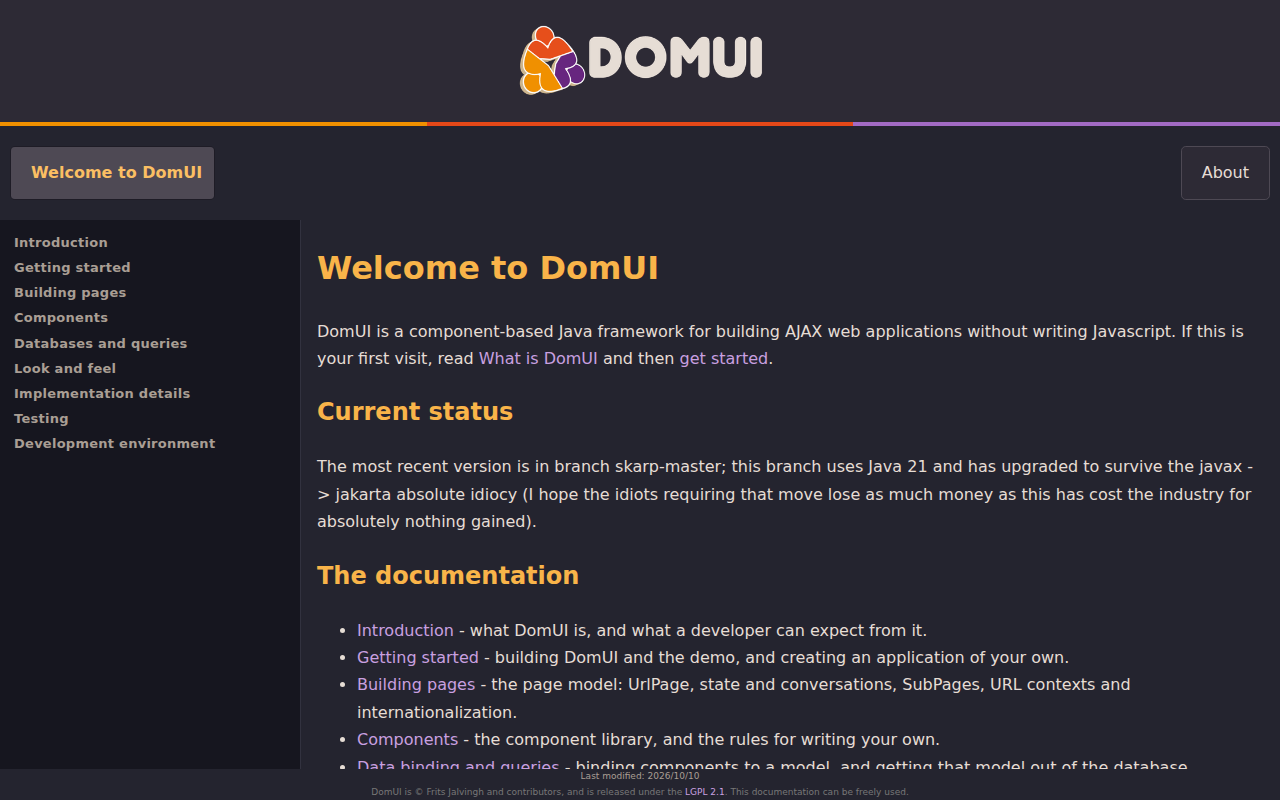
DomUI is an open-source, component-based Java framework for building AJAX web applications without writing JavaScript. Developers define pages and reusable UI components in Java, while DomUI manages browser interactions, page state, and server-side rendering. Its library includes a broad set of ready-made components, and its optional metadata layer can reuse model and persistence metadata to build data-entry screens. The framework also provides data binding, URL-based pages, and tools for testing applications. The current development branch targets Java 21 and Jakarta APIs; the project is licensed under LGPL 2.1. DomUI is aimed at large, form-heavy business applications where Java developers value productivity and server-managed UI state. That stateful approach can make complex workflows easier to build, but uses more server resources than stateless or client-rendered alternatives, so it may not suit applications optimized for very high concurrent-user density or highly customized visual experiences.
Code Example
                import to.etc.domui.dom.html.Div;
                import to.etc.domui.dom.html.HTag;
                import to.etc.domui.dom.html.Para;
                import to.etc.domui.dom.html.UrlPage;

                public class HelloPage extends UrlPage {
                    public HelloPage() {
                        setPageTitle("Hello");
                    }

                    @Override
                    public void createContent() {
                        Div content = new Div();
                        add(content);
                        content.add(new HTag(1, "Hello, DomUI"));

                        Para message = new Para();
                        message.add("Build interactive web pages using Java components.");
                        content.add(message);
                    }
                }