Gluon Mobile
Status: Production-ready, Actively Maintained
Java Version: 17+ (desktop), 11-17 (mobile via GraalVM)
Learning Curve: Moderate
Last Release: JavaFX 25.0.2 (Jan 2026)
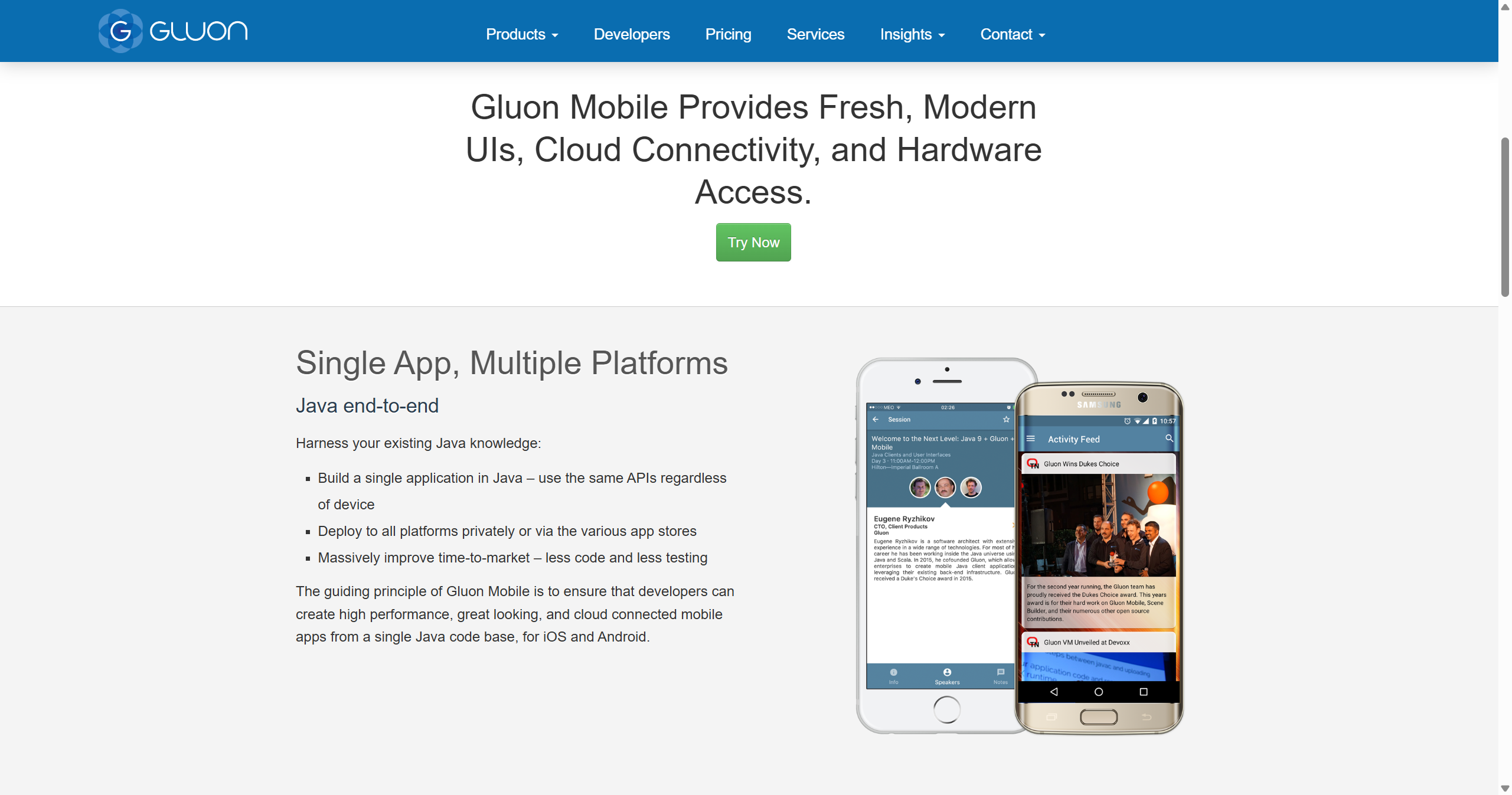
Gluon Mobile Official WebsiteGluon Mobile brings JavaFX to iOS and Android platforms, enabling developers to write desktop and mobile applications from a single codebase. Developed by Gluon HQ, who co-lead the OpenJFX project itself, the framework provides commercial JavaFX ports with native integrations for mobile platforms. Gluon provides Scene Builder for drag-and-drop UI design, GluonFX Maven and Gradle plugins for building, and optional cloud build services. Note on mobile deployment: The framework uses GraalVM native image compilation for mobile deployment (as iOS requires ahead-of-time compilation). GraalVM native image has some Java language and API limitations compared to standard JVM execution. The framework includes commercial long-term support options. For teams already invested in JavaFX for desktop who want to extend to mobile, Gluon Mobile provides a natural migration path.
Code Example
            import com.gluonhq.charm.glisten.application.AppManager;
            import com.gluonhq.charm.glisten.control.AppBar;
            import com.gluonhq.charm.glisten.mvc.View;
            import javafx.application.Application;
            import javafx.scene.control.Label;
            import javafx.stage.Stage;

            public class HelloGluon extends Application {
                @Override
                public void start(Stage stage) {
                    View view = new View("Hello") {
                        {
                            setCenter(new Label("Hello, Gluon Mobile!"));
                        }

                        @Override
                        protected void updateAppBar(AppBar appBar) {
                            appBar.setTitleText("Gluon Example");
                        }
                    };

                    AppManager.initialize();
                    AppManager.getInstance().addViewFactory("hello", () -> view);
                    AppManager.getInstance().start(stage);
                }
            }