JavaPackager
Status: Production-ready, Active
Java Version: 8+
Learning Curve: Easy
Last Release: v1.7.7 (2024)
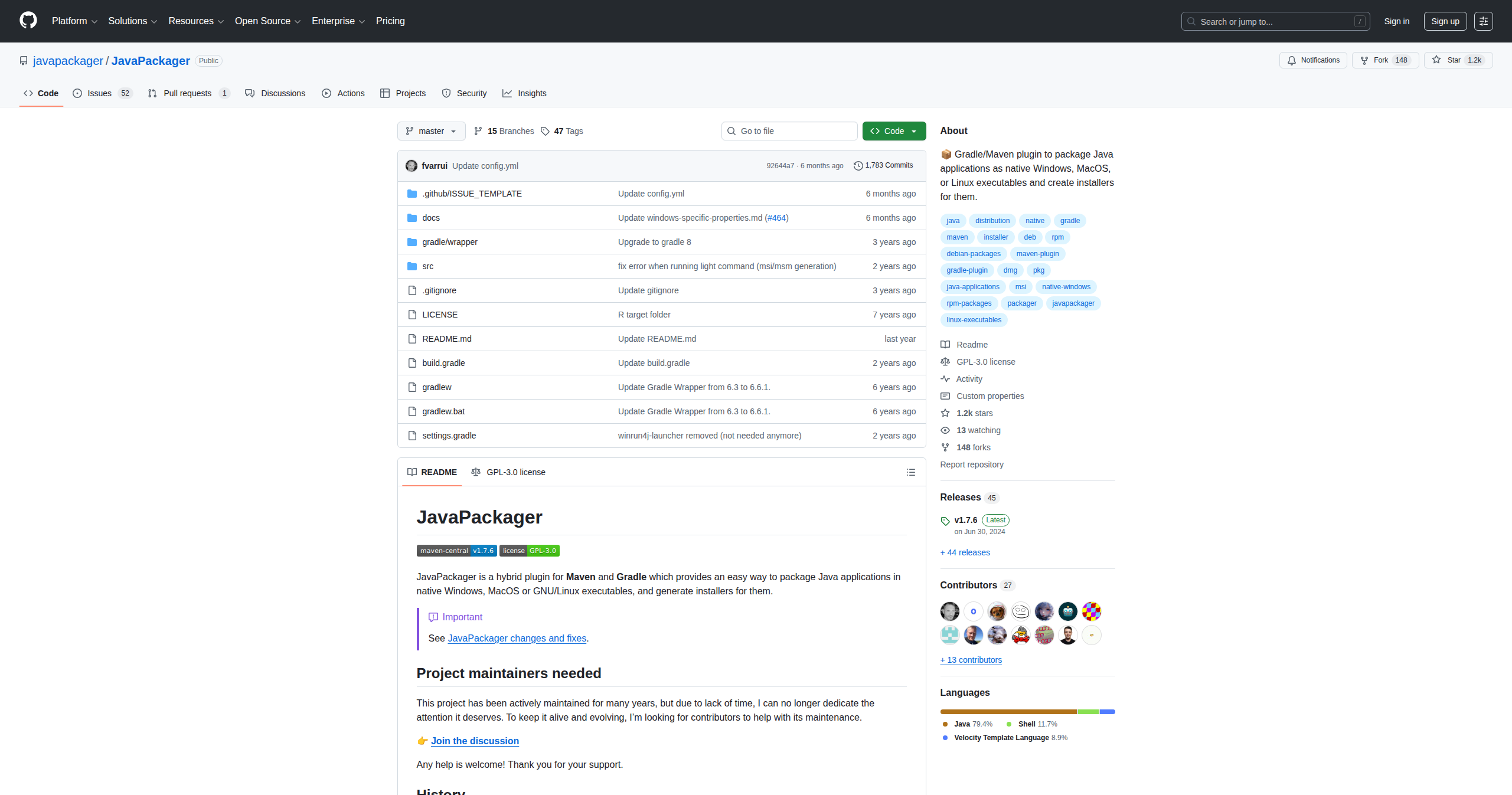
JavaPackager GitHubJavaPackager is a hybrid plugin for both Maven and Gradle that provides a unified, simple way to package Java applications into native executables and installers for Windows, macOS, and Linux. Unlike jpackage or platform-specific tools that require different configurations for each platform, JavaPackager offers a consistent API across build systems and operating systems. It can generate Windows executables (EXE) and installers (MSI via WiX), macOS disk images (DMG) and packages (PKG), and Linux packages (DEB, RPM) and AppImages—all from a single configuration. The plugin automatically bundles a JRE with your application, handles native launcher generation, manages file associations, and supports elevation/administrator privileges when needed. Originally created as an educational tool to simplify teaching Java application distribution, it has evolved into a production-ready solution used by applications like AstroImageJ and Astro Pixel Processor. JavaPackager strikes an excellent balance between simplicity and functionality—it's easier to use than jpackage while still providing the essential features needed for professional desktop application deployment. For teams working with both Maven and Gradle, or those seeking a simpler alternative to jpackage with more automation, JavaPackager is an excellent choice.
Code Example
            // build.gradle
            buildscript {
                repositories {
                    mavenCentral()
                }
                dependencies {
                    classpath 'io.github.fvarrui:javapackager:1.7.7'
                }
            }

            apply plugin: 'io.github.fvarrui.javapackager.plugin'

            task packageMyApp(type: io.github.fvarrui.javapackager.gradle.PackageTask, dependsOn: build) {
                // Mandatory
                mainClass = 'com.example.Main'

                // Optional
                bundleJre = true
                generateInstaller = true
                administratorRequired = false
                platform = "auto"  // or "linux", "mac", "windows"

                // Platform-specific configuration
                winConfig {
                    icoFile = file('src/main/resources/icon.ico')
                    generateSetup = true
                    generateMsi = true
                }

                macConfig {
                    icnsFile = file('src/main/resources/icon.icns')
                    generateDmg = true
                    generatePkg = true
                }

                linuxConfig {
                    pngFile = file('src/main/resources/icon.png')
                    generateDeb = true
                    generateRpm = true
                }
            }

            // Build: gradle packageMyApp