jMonkeyEngine
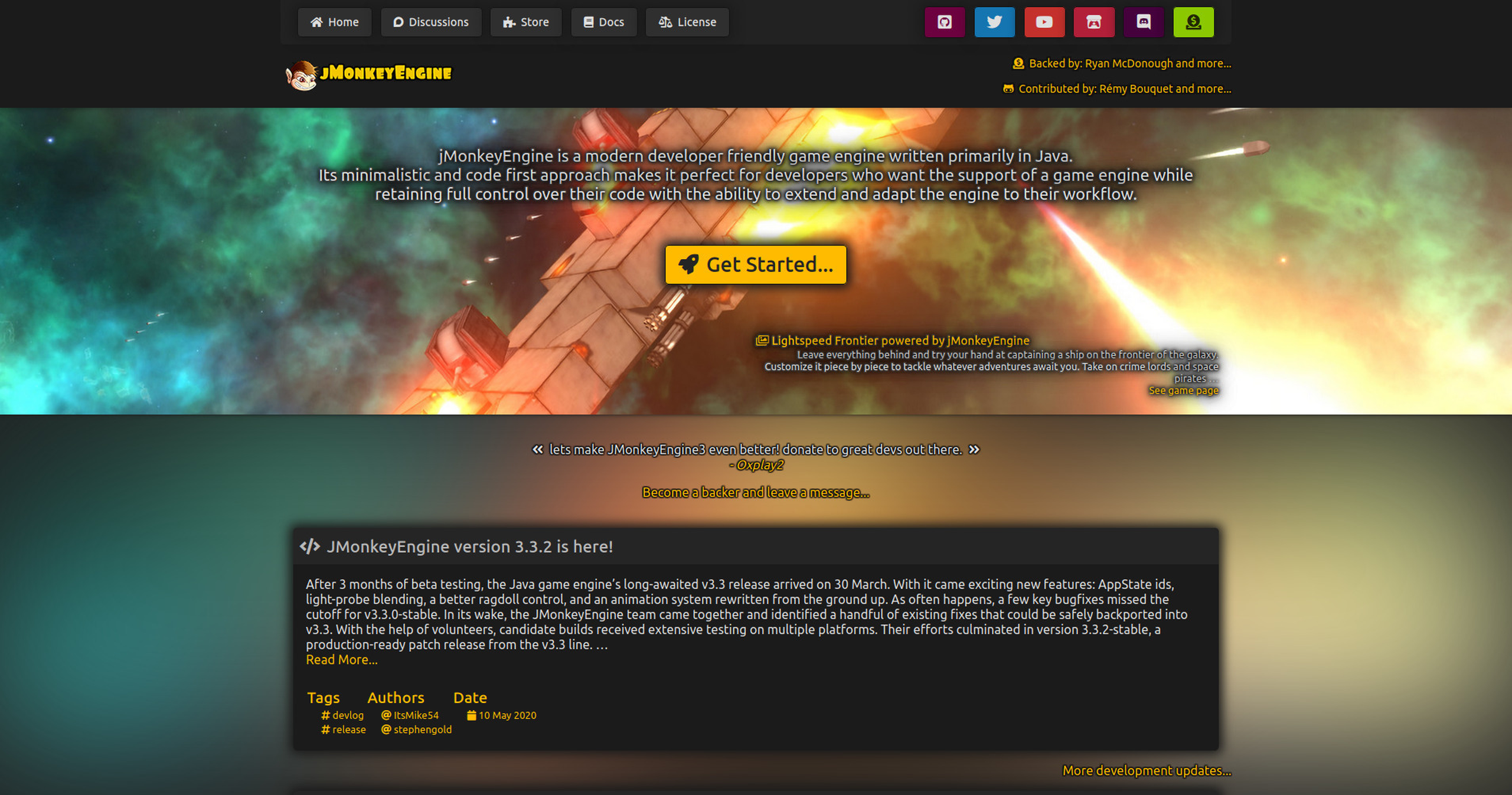
Status: Production-ready, Active
Java Version: 11+
Learning Curve: Moderate-Steep
Last Release: v3.9.0 (January 2026)
jMonkeyEngine Official WebsitejMonkeyEngine (jME3) is a complete, modern 3D game development engine written entirely in Java. It provides everything needed to create professional 3D games including advanced rendering with PBR (physically-based rendering), a flexible material system, skeletal animation, particle effects, post-processing, and integrated physics through Bullet. The engine ships with a powerful SDK built on the NetBeans platform, offering visual scene editing, material editors, terrain tools, and a comprehensive asset pipeline. jMonkeyEngine emphasizes ease of use with clean APIs while maintaining high performance through batching, instancing, and multi-threading. The project is fully open source (BSD license) with an active community, extensive documentation, and proven track record in both commercial and indie games. Perfect for developers who want full control over their game engine with Java-native development, cross-platform deployment (desktop, mobile, web via TeaVM), and no licensing fees. Its Scene Graph architecture makes complex 3D scenes manageable while the Component System enables flexible game object composition.
Code Example
            import com.jme3.app.SimpleApplication;
            import com.jme3.material.Material;
            import com.jme3.math.ColorRGBA;
            import com.jme3.scene.Geometry;
            import com.jme3.scene.shape.Box;

            public class HelloJME extends SimpleApplication {

                public static void main(String[] args) {
                    HelloJME app = new HelloJME();
                    app.start();
                }

                @Override
                public void simpleInitApp() {
                    // Create a box mesh
                    Box box = new Box(1, 1, 1);
                    Geometry geom = new Geometry("Box", box);

                    // Create a material and set its color
                    Material mat = new Material(assetManager,
                        "Common/MatDefs/Misc/Unshaded.j3md");
                    mat.setColor("Color", ColorRGBA.Blue);
                    geom.setMaterial(mat);

                    // Attach the geometry to the scene graph
                    rootNode.attachChild(geom);
                }
            }