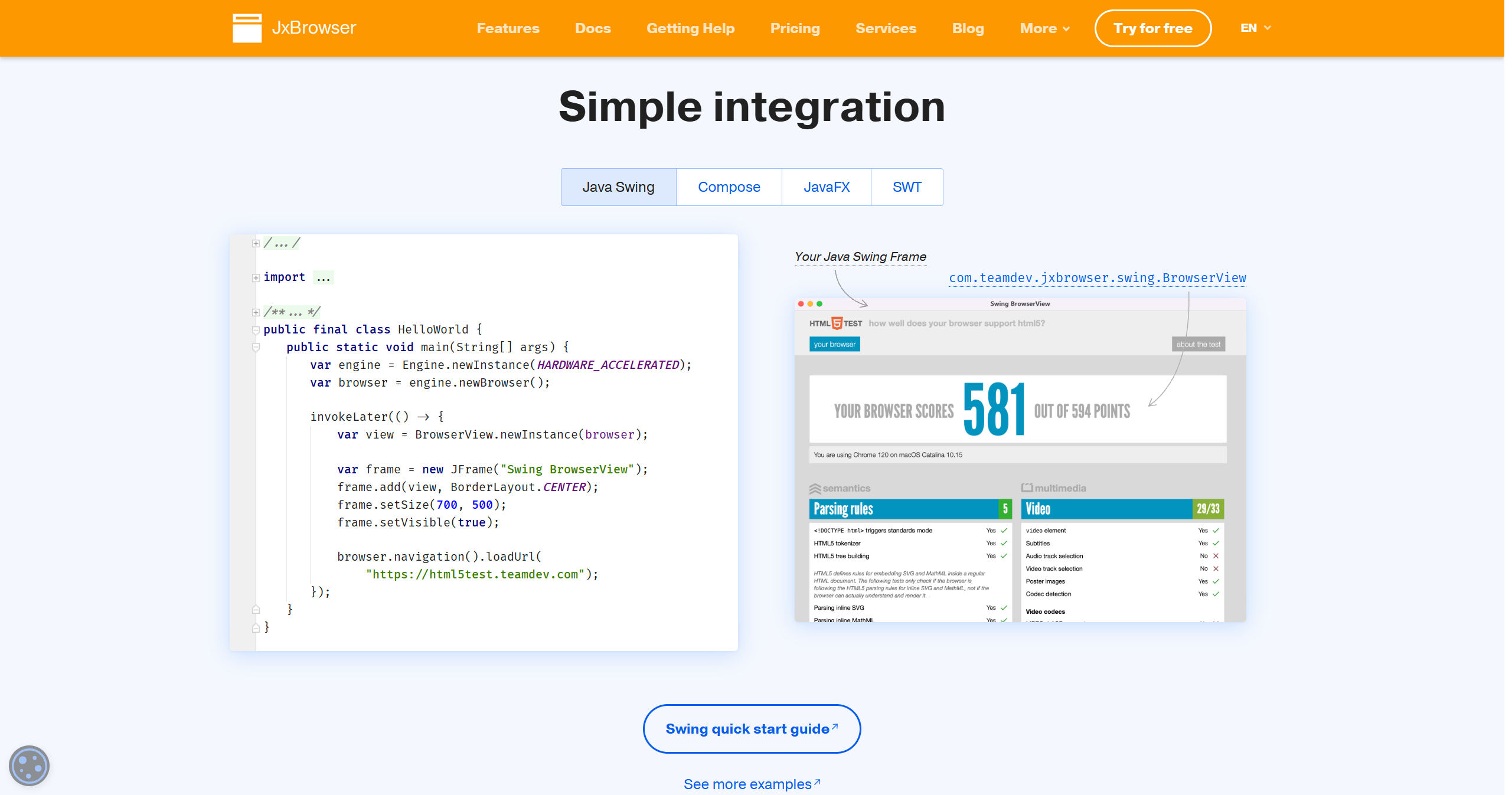
JxBrowser is a commercial Chromium integration solution from TeamDev that provides superior architecture compared to JCEF. It supports Swing, JavaFX, and SWT with separate process isolation, regular Chromium upgrades (every 3-4 weeks after stable releases), and comprehensive features including hardware acceleration, HiDPI/Retina support, Chrome extensions, PDF rendering, network interception, and DOM manipulation. The Chromium sandbox is fully enabled on Windows and macOS, providing better security than alternatives. With a 30-day free trial and perpetual licensing starting at $1,799 for indie developers, JxBrowser is the professional choice when you need enterprise-grade Chromium embedding with excellent technical support.
Code Example
                import com.teamdev.jxbrowser.browser.Browser;
                import com.teamdev.jxbrowser.engine.*;
                import com.teamdev.jxbrowser.view.swing.BrowserView;
                import javax.swing.*;

                public class HelloJxBrowser {
                    public static void main(String[] args) {
                        Engine engine = Engine.newInstance(EngineOptions.newBuilder()
                            .build());
                        Browser browser = engine.newBrowser();
                        browser.navigation().loadUrl("https://www.example.com");

                        SwingUtilities.invokeLater(() -> {
                            BrowserView view = BrowserView.newInstance(browser);
                            JFrame frame = new JFrame("JxBrowser Example");
                            frame.setDefaultCloseOperation(JFrame.EXIT_ON_CLOSE);
                            frame.add(view, BorderLayout.CENTER);
                            frame.setSize(800, 600);
                            frame.setVisible(true);
                        });
                    }
                }