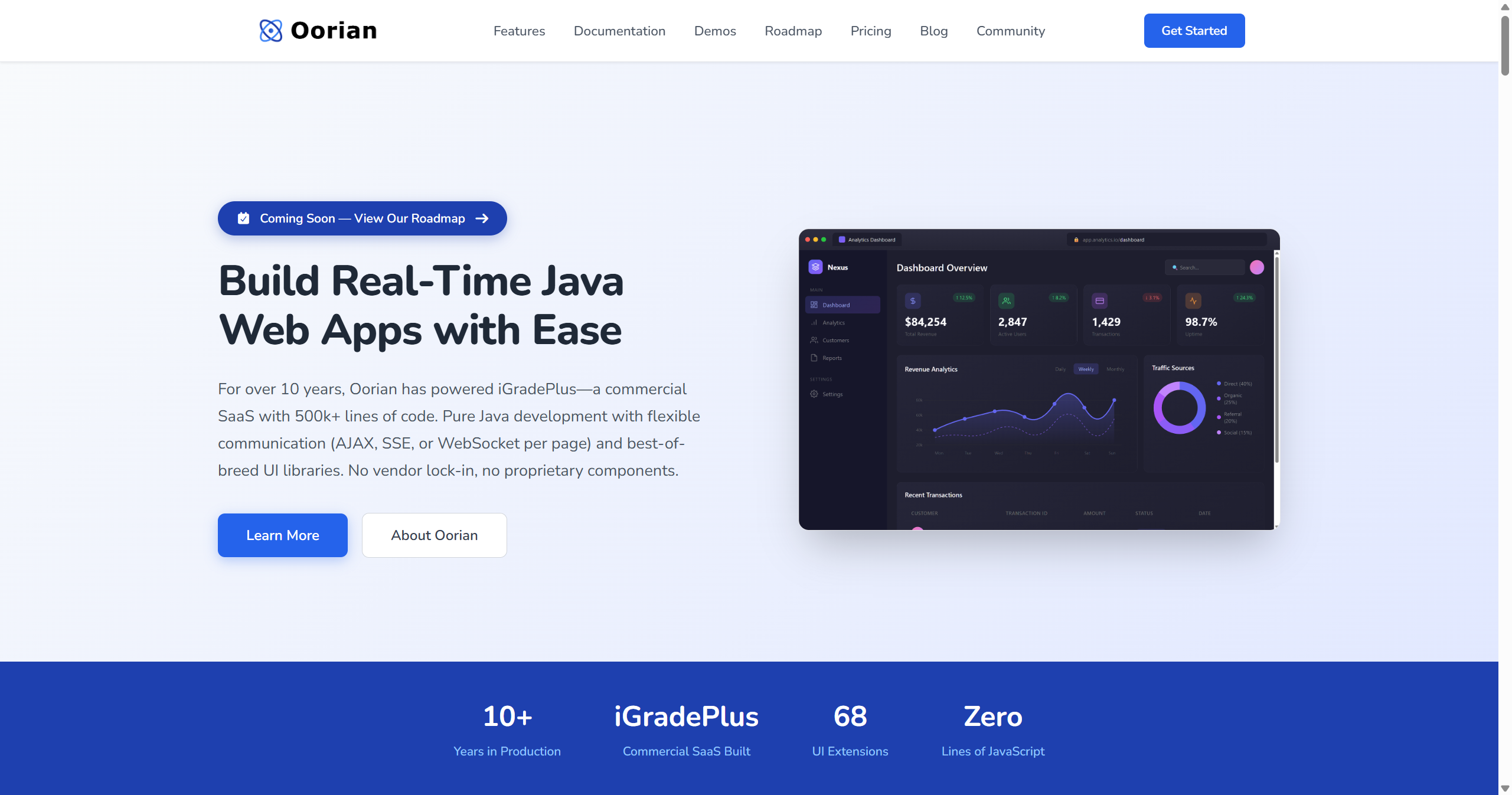
Oorian is a pure Java web framework that enables building real-time web applications with flexible communication modes (AJAX, SSE, or WebSocket per page). For over 10 years, Oorian has powered iGradePlus—a commercial SaaS with 500k+ lines of code. It offers pure Java development with no vendor lock-in and integrates with best-of-breed UI libraries like Webix, SyncFusion, WebAwesome, and ECharts. The framework features a JDK-style event model similar to Swing or JavaFX, lightweight JSON messaging architecture, and built-in security, accessibility, and data format support. Oorian can deploy applications as a single executable JAR with embedded Jetty server, requiring no external application server. Unlike proprietary frameworks like Vaadin or ZK, Oorian lets developers choose and mix UI libraries without being locked into proprietary components.
Code Example
                @Page("/dashboard")
                public class DashboardPage extends HtmlPage implements MouseClickListener {

                    @Override
                    protected void createBody(Body body) {
                        // Create a container with flexbox layout
                        Div container = new Div();
                        container.setDisplay(Display.FLEX);
                        container.setFlexDirection(FlexDirection.COLUMN);
                        container.setPadding("20px");

                        // Add a heading
                        container.addElement(new H1("Welcome to Dashboard"));

                        // Create an interactive button
                        Button refreshBtn = new Button("Refresh Data");
                        refreshBtn.registerListener(this, MouseClickedEvent.class);
                        container.addElement(refreshBtn);

                        // Add a SyncFusion data grid
                        SfDataGrid grid = new SfDataGrid();
                        grid.setDataSource(getCustomerData());
                        container.addElement(grid);

                        body.addElement(container);
                    }

                    @Override
                    public void onEvent(MouseClickedEvent event) {
                        // Handle click - UI updates automatically
                        refreshData();
                    }
                }