TailwindFX
Status: Experimental
Java Version: 17+
Learning Curve: Moderate
Last Release: 1.0-SNAPSHOT (Active)
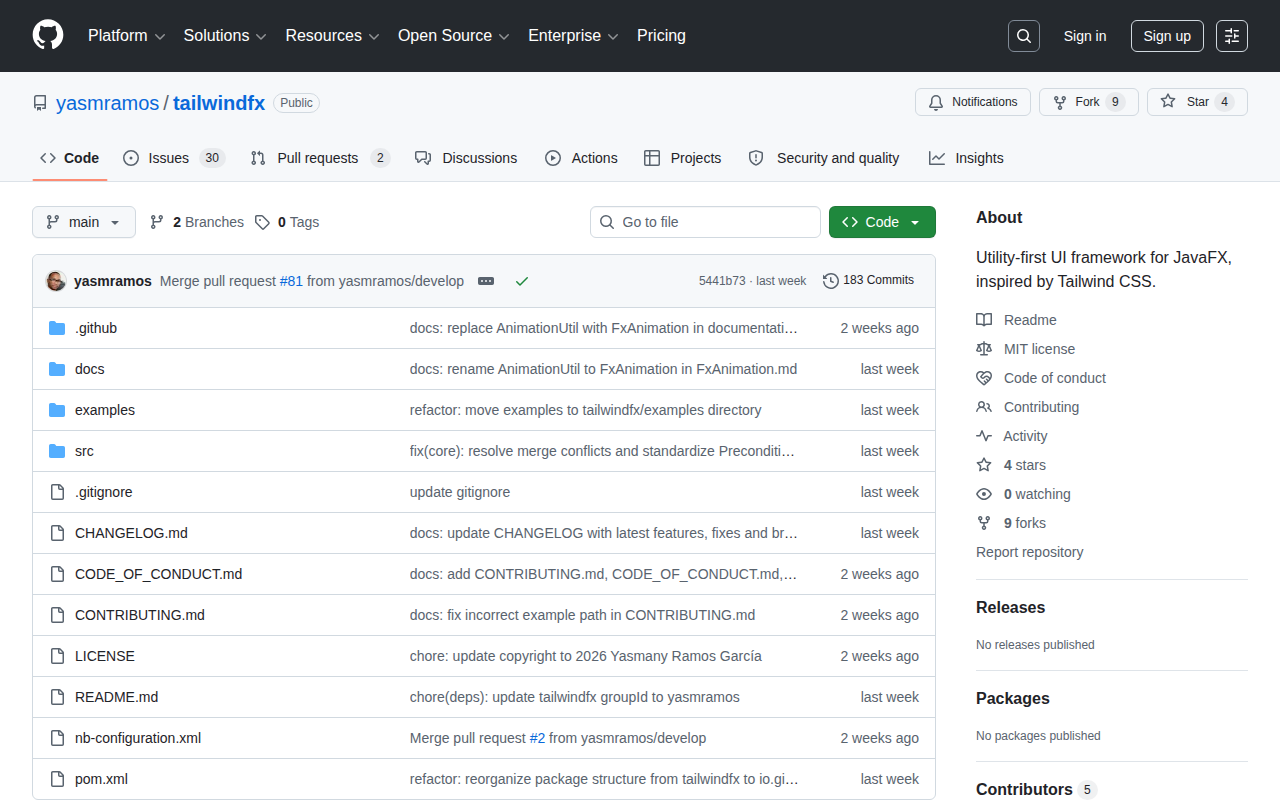
TailwindFX GitHubTailwindFX brings Tailwind CSS's utility-first philosophy to JavaFX, letting developers compose styles from a comprehensive set of pre-built utility classes rather than writing verbose inline style strings. Instead of chaining JavaFX CSS properties manually, you call
TailwindFX.apply(node, "bg-blue-500", "rounded-lg", "px-4") and the framework maps those tokens to the corresponding JavaFX styles — with a JIT compiler that also supports arbitrary values such as
p-[13px] and
drop-shadow-[#3b82f6].
The library ships over 1,400 CSS utilities covering layout, typography, colours, shadows, effects, and transforms, alongside purpose-built JavaFX containers:
FxFlexPane for real flexbox behaviour,
FxGridPane with grid-template-areas and masonry support, and
FxDataTable — a sortable, filterable, paginated
TableView wrapper. Responsive breakpoints can be applied per-node using
Scene.widthProperty(), and a built-in theme engine provides dark/light and preset colour schemes (blue, green, rose, slate) with scoped subtree theming. An animation API covers fade, slide, shake, bounce, spin, and hover effects including scale and lift. TailwindFX is an actively developed early-release project ideal for JavaFX developers who are familiar with Tailwind CSS and want to bring that rapid, expressive styling workflow to desktop applications.
Code Example
            import io.github.yasmramos.tailwindfx.TailwindFX;
            import io.github.yasmramos.tailwindfx.FxAnimation;
            import javafx.application.Application;
            import javafx.scene.Scene;
            import javafx.scene.control.Button;
            import javafx.scene.control.Label;
            import javafx.scene.layout.StackPane;
            import javafx.scene.layout.VBox;
            import javafx.stage.Stage;

            public class HelloTailwindFX extends Application {

                @Override
                public void start(Stage stage) {
                    StackPane root = new StackPane();
                    Scene scene = new Scene(root, 900, 600);

                    // Install TailwindFX — loads CSS and wires breakpoint listeners
                    TailwindFX.install(scene, stage);

                    VBox card = new VBox(12);
                    TailwindFX.apply(card, "card", "w-80", "p-6");

                    Label title = new Label("Hello TailwindFX");
                    TailwindFX.apply(title, "text-2xl", "font-bold", "text-blue-600");

                    Label subtitle = new Label("Utility-first styling for JavaFX");
                    TailwindFX.apply(subtitle, "text-sm", "text-gray-500");

                    Button btn = new Button("Get Started");
                    TailwindFX.apply(btn, "btn-primary", "rounded-lg", "px-4", "py-2");
                    FxAnimation.onHoverScale(btn, 1.05);

                    card.getChildren().addAll(title, subtitle, btn);
                    root.getChildren().add(card);

                    stage.setScene(scene);
                    stage.setTitle("TailwindFX Demo");
                    stage.show();
                }
            }