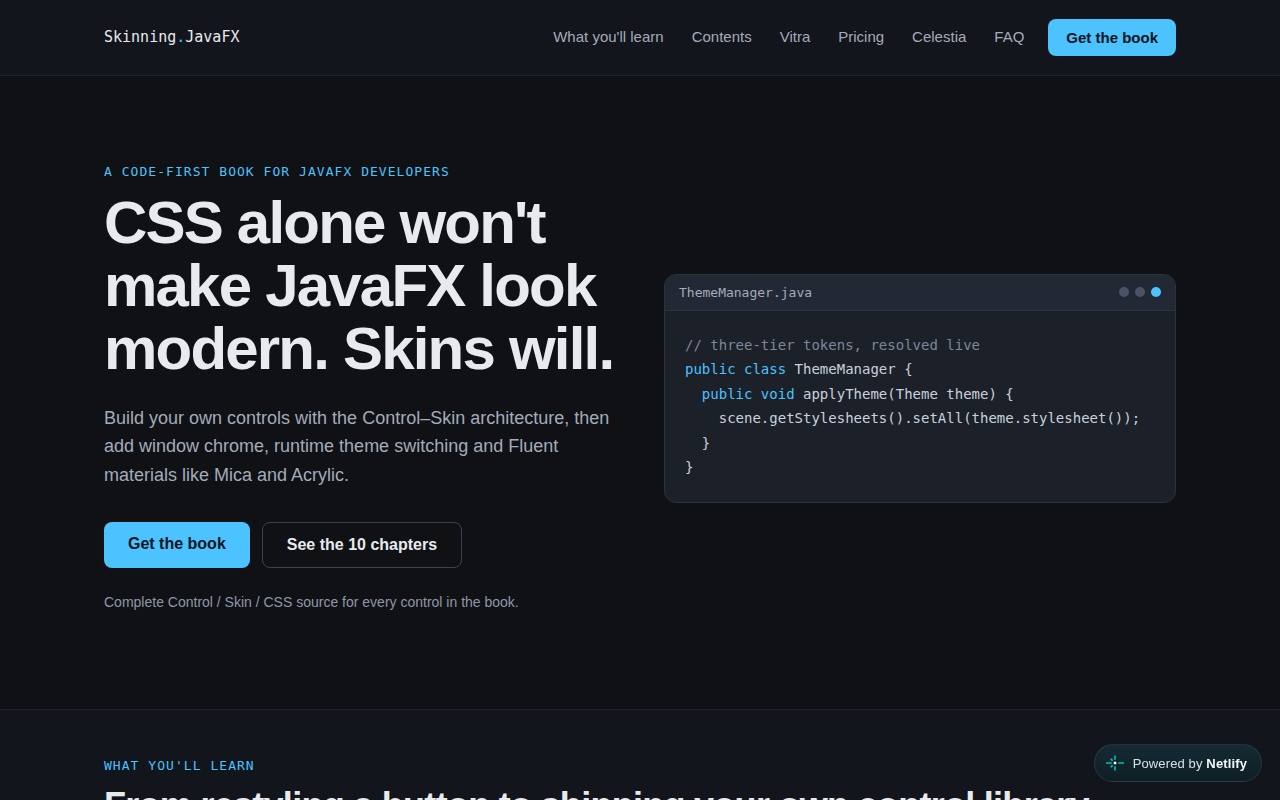
Vitra is a commercial library of controls and skins for building modern JavaFX applications. Its catalog includes code editors, Gantt and Kanban views, calendars, charts, gauges, notifications, wizard steppers, custom windows, and skins for standard JavaFX controls. The project emphasizes JavaFX's Control–Skin architecture, CSS styling, runtime theme switching, and contemporary visual treatments such as Fluent materials and glassmorphism. Vitra is sold in individual, team, and company plans; the website says the complete source code is provided under an end-user license agreement, so it is not an open-source dependency. No public version or repository is listed on the project site. Vitra may suit developers who want ready-made, polished controls for JavaFX desktop applications and are comfortable with commercial licensing; developers seeking a freely available library should review the licensing terms before adopting it.
Code Example
The site describes Vitra's Control–Skin approach but does not publish its API. This standard JavaFX example illustrates that architecture without assuming Vitra-specific class names:
                import javafx.application.Application;
                import javafx.scene.Scene;
                import javafx.scene.control.Control;
                import javafx.scene.control.Label;
                import javafx.scene.control.Skin;
                import javafx.scene.control.SkinBase;
                import javafx.stage.Stage;

                public class VitraExample extends Application {
                    @Override
                    public void start(Stage stage) {
                        stage.setScene(new Scene(new DemoControl(), 480, 320));
                        stage.setTitle("JavaFX Control and Skin");
                        stage.show();
                    }

                    public static void main(String[] args) {
                        launch(args);
                    }

                    private static class DemoControl extends Control {
                        @Override
                        protected Skin<?> createDefaultSkin() {
                            return new DemoSkin(this);
                        }
                    }

                    private static class DemoSkin extends SkinBase<DemoControl> {
                        DemoSkin(DemoControl control) {
                            super(control);
                            getChildren().add(new Label("A custom control skin"));
                        }
                    }
                }